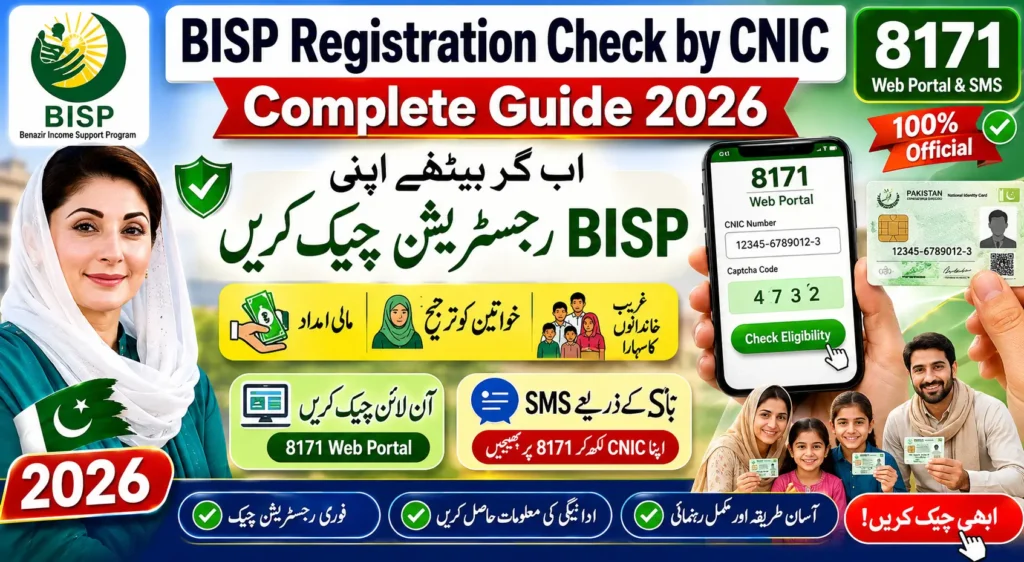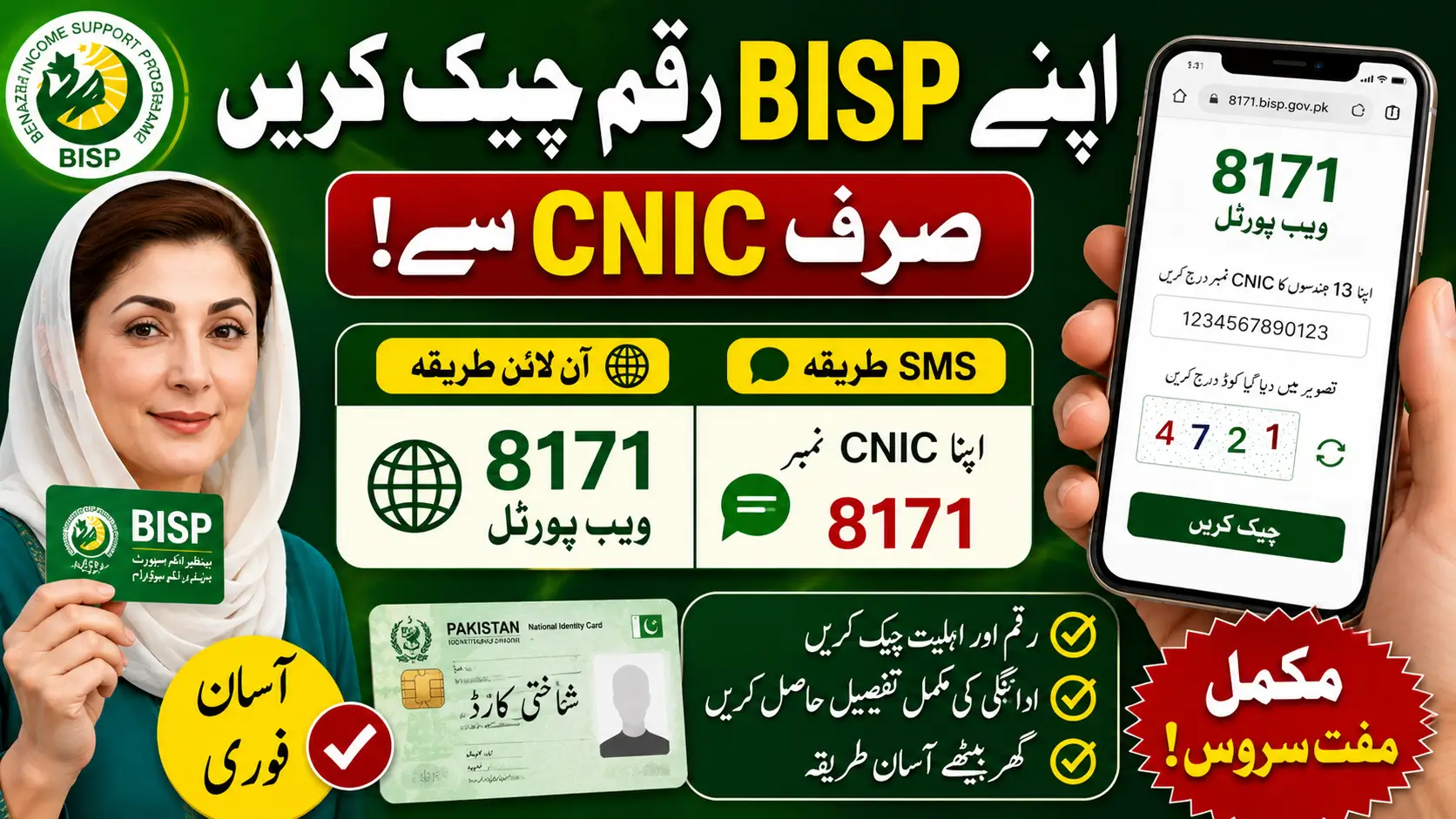
The Benazir Income Support Program (BISP) helps millions of deserving families across Pakistan by providing financial assistance. In 2026 the government has made it easier for beneficiaries to check their BISP amount using their CNIC number through the 8171 web portal and SMS service.
How to Check 8171 Money Online by CNIC? Complete Guide 2026
بہت سے لوگ گھر سے اپنی ادائیگی کی حیثیت کی اہلیت اور قسط کی تفصیلات کی تصدیق کرنے کے لیے ایک آسان طریقہ چاہتے ہیں۔ یہ گائیڈ آسان طریقے سے تمام دستیاب طریقوں کی وضاحت کرتا ہے۔بنیچے ارٹیکل کو ریڈ کرو اور مکمل معلومات جانیں
What is the BISP 8171 System?
The 8171 system is an official service launched by the Government of Pakistan to help citizens check:
- BISP payment status
- Eligibility details
- Registration information
- New installment updates
- Survey verification status
Beneficiaries can access this information online or through SMS without visiting offices repeatedly.
How to Check BISP Amount by CNIC Online
You can check your BISP amount online by following these steps:
Step 1: Visit the Official 8171 Web Portal
Open the official BISP 8171 portal on your mobile phone or computer.
Step 2: Enter Your CNIC Number
Type your 13-digit CNIC number without spaces or dashes.
Step 3: Enter the Captcha Code
A security code will appear on the screen. Enter the code correctly.
Step 4: Click the Submit Button
Press the “Check” button to continue.
Step 5: View Your BISP Amount
Your eligibility and payment details will appear on the screen instantly.
Punjab Roshan Gharana Scheme 2026 – Online Registration Eligibility & Real Benefits
Check BISP Amount Through SMS
People without internet access can also check their BISP amount using SMS.
SMS Method:
- Open your mobile messaging app
- Type your CNIC number
- Send it to 8171
- Wait for the reply message
You will receive details about your payment and eligibility status.
Information You Can Check Through 8171
Using your CNIC, you can verify:
- Current BISP balance
- Eligibility status
- Payment release details
- Registration confirmation
- Dynamic survey status
- Verification updates
This service helps beneficiaries stay updated about their financial assistance.
Who Can Use the 8171 Service?
The following individuals can use the service:
- Registered BISP beneficiaries
- Ehsaas Program applicants
- Low-income families
- Women registered under BISP
- New applicants waiting for approval
Common Reasons Why Payment May Not Show
Sometimes beneficiaries face issues while checking payments due to:
- Incorrect CNIC number
- Expired CNIC
- Incomplete NSER survey
- Biometric verification problems
- Pending eligibility verification
Applicants should visit the nearest BISP office if problems continue.
Important Instructions for Beneficiaries
- Always use the official 8171 portal
- Never trust fake SMS or calls
- Keep your registered SIM active
- Ensure your CNIC is valid
- Do not share personal information with unauthorized persons
Benefits of the Online BISP Checking System
Easy Access
People can check their amount from home.
Saves Time
No need to stand in long lines at offices.
Fast Verification
Payment details appear within seconds.
Transparent System
The government ensures transparency for beneficiaries.
Gold Rate in Pakistan Today – Latest Gold Price Update 2026
Conclusion
The BISP 8171 CNIC checking system has made it simple for deserving families to verify their payments and eligibility online. Whether through the web portal or SMS service, beneficiaries can easily access their information using only their CNIC number.
Citizens should regularly check official updates and keep their records accurate to avoid delays in receiving financial assistance.
FAQs
How can I check my BISP amount online?
Visit the official 8171 portal, enter your CNIC number, and check your payment details.
Can I check BISP payment through SMS?
Yes, send your CNIC number to 8171.
Is the 8171 service free?
Yes, the service is free for all users.
What details are required?
You only need your valid 13-digit CNIC number.
What should I do if my payment is delayed?
Visit the nearest BISP office and update your information if needed.